
Imagine your Laravel application is working perfectly. Your server is online, your database is healthy, and your APIs are responding.
Suddenly, users start experiencing connection errors. Your integrations stop working, and requests begin failing.
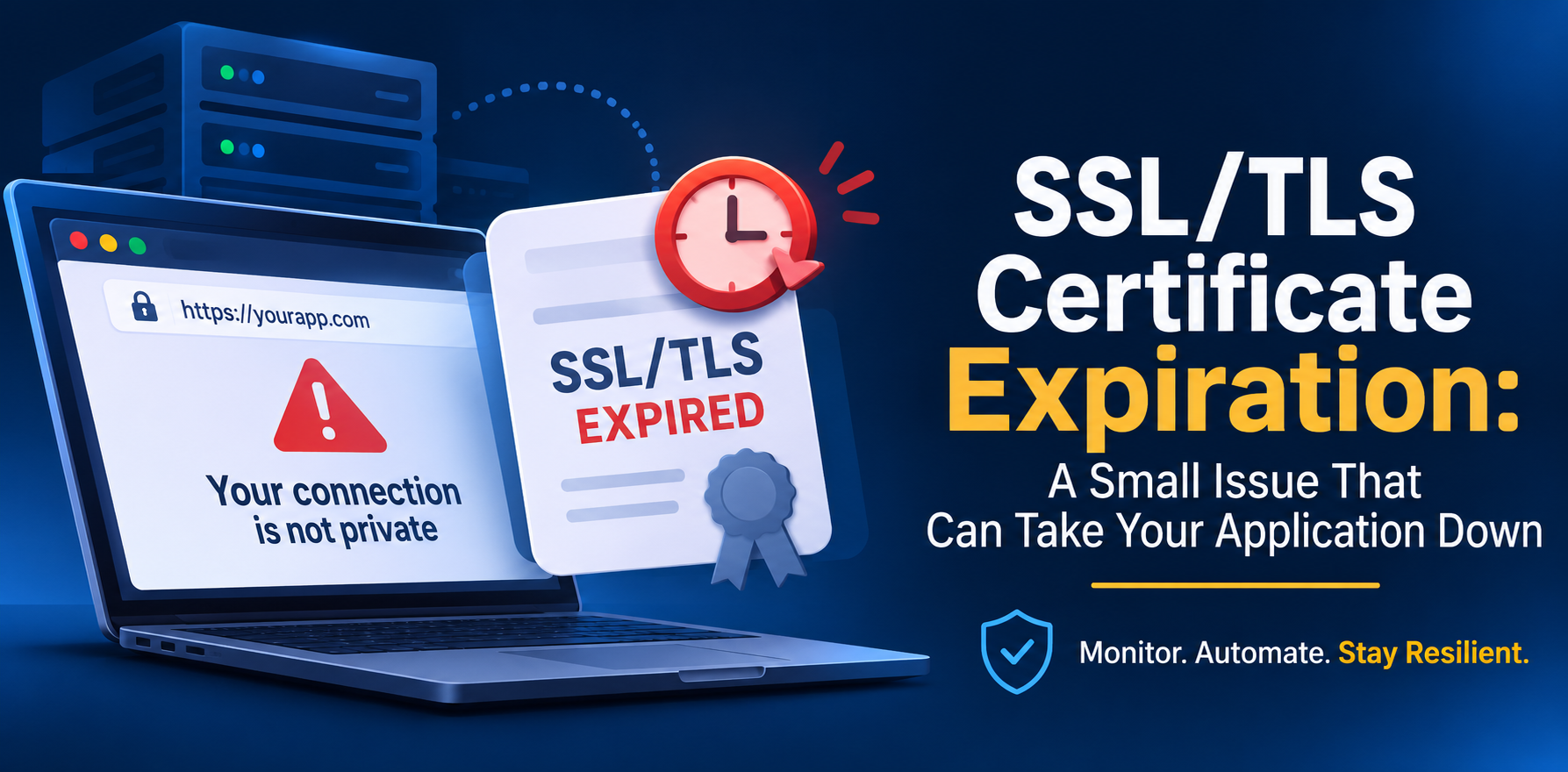
The problem? An expired SSL/TLS certificate.
Let’s understand why this happens and how to prevent it.
What Happens When a Certificate Expires?
SSL/TLS certificates secure communication between clients and servers over HTTPS.
They also have an expiration date. When a certificate expires, clients that validate it will reject the connection.
This can cause:
- Browsers to block access to your website.
- API requests to fail.
- Webhooks to stop working.
- Third-party integrations to become unavailable.
Your server might be running perfectly, but your application can still become unavailable.
Why Is This a Resilience Problem?
Think about an application that depends on an external payment API.
If its certificate expires, your application may no longer be able to communicate with the payment gateway.
No code was changed. No server crashed. Yet, a critical business operation stopped working.
That’s why resilience isn’t just about handling code errors. It’s also about anticipating infrastructure failures.
Common Mistakes Developers Make
Here are four mistakes that can turn certificate expiration into an unexpected outage.
Mistake 1: Relying on Manual Renewal
Manually renewing certificates creates unnecessary operational risk.
Someone needs to remember the expiration date, perform the renewal, and verify that the new certificate was installed correctly.
People forget. Processes fail. Deadlines are missed.
Whenever possible, automate certificate renewal.
Mistake 2: Not Monitoring Certificate Expiration
Automatic renewal is important, but it doesn’t guarantee that everything will work.
Renewal can fail because of DNS configuration problems, validation errors, incorrect permissions, or deployment issues.
Without monitoring, you might discover the problem only after users start experiencing errors.
Mistake 3: Having No Alerts
Monitoring without alerts is not enough.
Your team needs to know when a certificate is approaching expiration.
Configure notifications before the certificate expires, giving your team enough time to investigate and fix potential problems.
Mistake 4: Assuming All Integrations Will Recover Automatically
Even after renewing a certificate, some systems might require additional actions.
For example, a reverse proxy may need to reload its configuration, or a certificate may need to be updated in a load balancer.
Always verify that the renewed certificate is actually being served.
How to Prevent It
A few simple practices can make a big difference:
- Automate renewal: Use tools like Certbot and Let’s Encrypt.
- Monitor expiration: Check certificates regularly.
- Configure alerts: Get notified before expiration.
- Verify renewals: Make sure the new certificate is actually being served.
You can also inspect a certificate’s expiration date using OpenSSL:
echo | openssl s_client \
  -servername example.com \
  -connect example.com:443 2>/dev/null \
| openssl x509 -noout -datesThe notAfter field shows when the certificate expires.
Final Thoughts
An expired certificate might seem like a small maintenance issue, but it can break APIs, interrupt integrations, and make your application unavailable.
Don’t wait for something to break before you start monitoring it.
A resilient application isn’t just one that works when everything is healthy. It’s one that’s prepared when things go wrong.
Further reading: